
How WhatsApp Business API Helps Businesses Manage Sales, Marketing and Customer Support
Customers use WhatsApp to ask questions, compare products, request appointments and contact customer support. For businesses handling a growing number of enquiries, managing these conversations manually can create delays and make follow-ups difficult to track.
The WhatsApp Business API, officially known as the WhatsApp Business Platform, allows businesses to connect WhatsApp with software applications, CRM systems and customer communication tools. Companies can use it to manage sales enquiries, send marketing messages, automate routine support tasks and share transactional updates.
Its practical value depends on how a business manages customer data, messaging permissions, integrations and internal workflows. Understanding these areas helps companies decide whether the WhatsApp Business API suits their communication requirements.
What Is WhatsApp Business API?
WhatsApp Business API is a business messaging interface that allows companies to integrate WhatsApp communication with their existing software and operational systems.
The standard WhatsApp Business app supports day-to-day conversations through its application interface. The API is designed for businesses that need programmatic messaging, integrations, automation and access for multiple team members through compatible software.
Common applications include:
- Managing customer enquiries from a central inbox.
- Sending approved promotional and transactional messages.
- Automating frequently asked questions.
- Collecting and qualifying sales leads.
- Connecting WhatsApp with CRM and e-commerce platforms.
- Sending order and appointment notifications.
The API itself does not provide a complete customer management dashboard. Businesses generally access its capabilities through a software provider or their own technical integration.
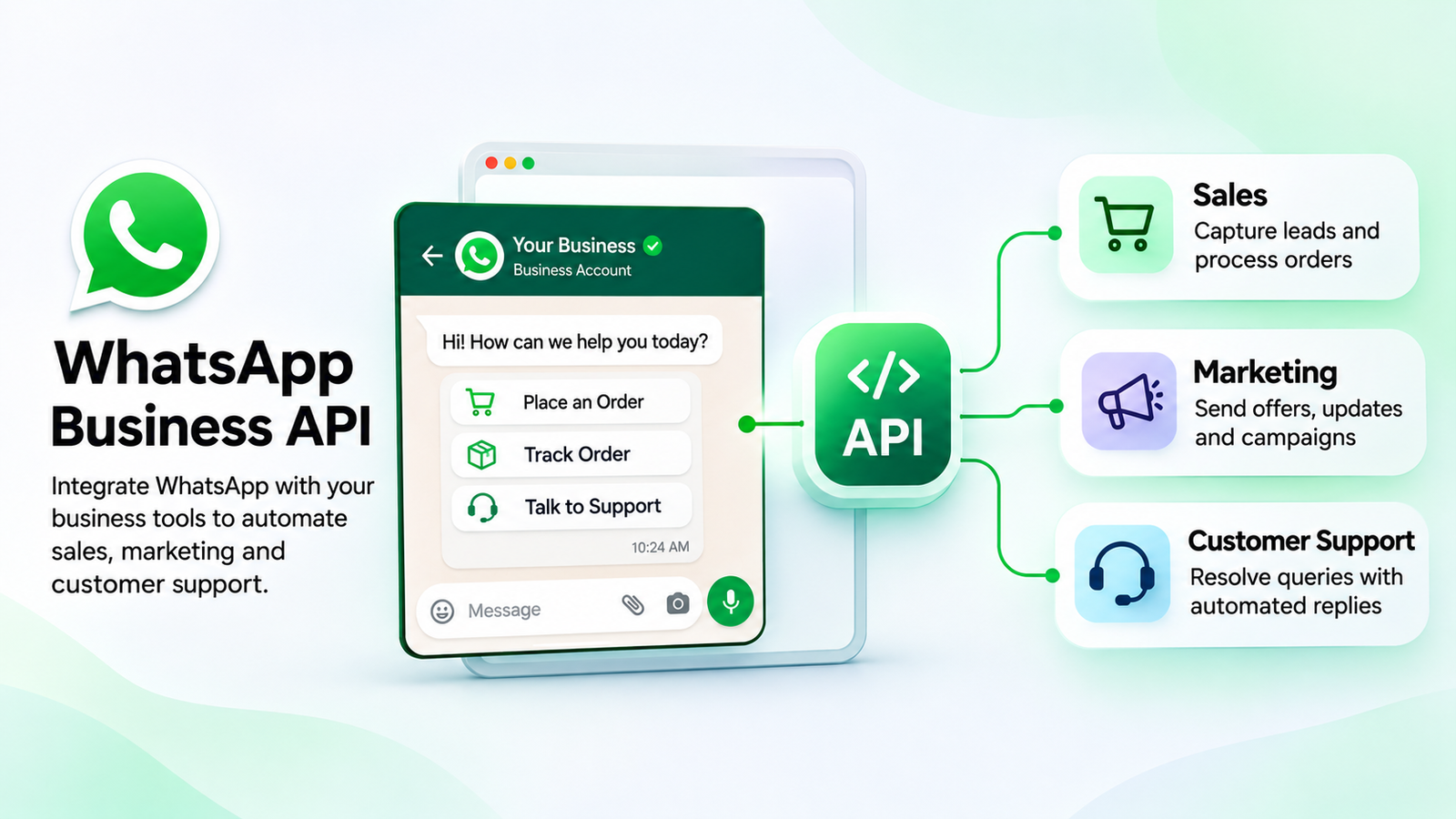
1. How WhatsApp Business API Supports Sales Management
Sales teams receive enquiries from websites, social media campaigns, online advertisements and existing customers. When these conversations remain spread across different platforms, representatives may find it difficult to maintain a consistent follow-up process.
WhatsApp Business API can connect customer enquiries with lead management and sales workflows.
Lead collection and qualification
Businesses can use WhatsApp conversations to collect basic lead information, such as a customer's name, product requirement, location or preferred contact time.
For example, a real estate company can ask an incoming enquiry about the preferred property type, budget range and location. The collected details can help the sales team decide which representative should handle the conversation.
Sales team assignment
A shared team inbox allows multiple sales representatives to manage conversations associated with a business account. Depending on the software, conversations can be assigned manually or through predefined routing rules.
Team members can review previous messages, add internal notes, apply customer tags and record follow-up requirements.
Product enquiries and purchase assistance
An online retailer can use WhatsApp to answer questions about product availability, pricing, sizes, delivery charges and payment options. Product links or catalogue information can help customers review available options.
The sales representative can then continue the conversation when a customer needs assistance with an order.
CRM connection
Connecting WhatsApp with a customer relationship management system can help businesses store enquiry details and maintain customer records. Sales teams can review relevant information when following up with leads.
The results depend on the quality of the CRM integration, the accuracy of captured information and the team's follow-up process.
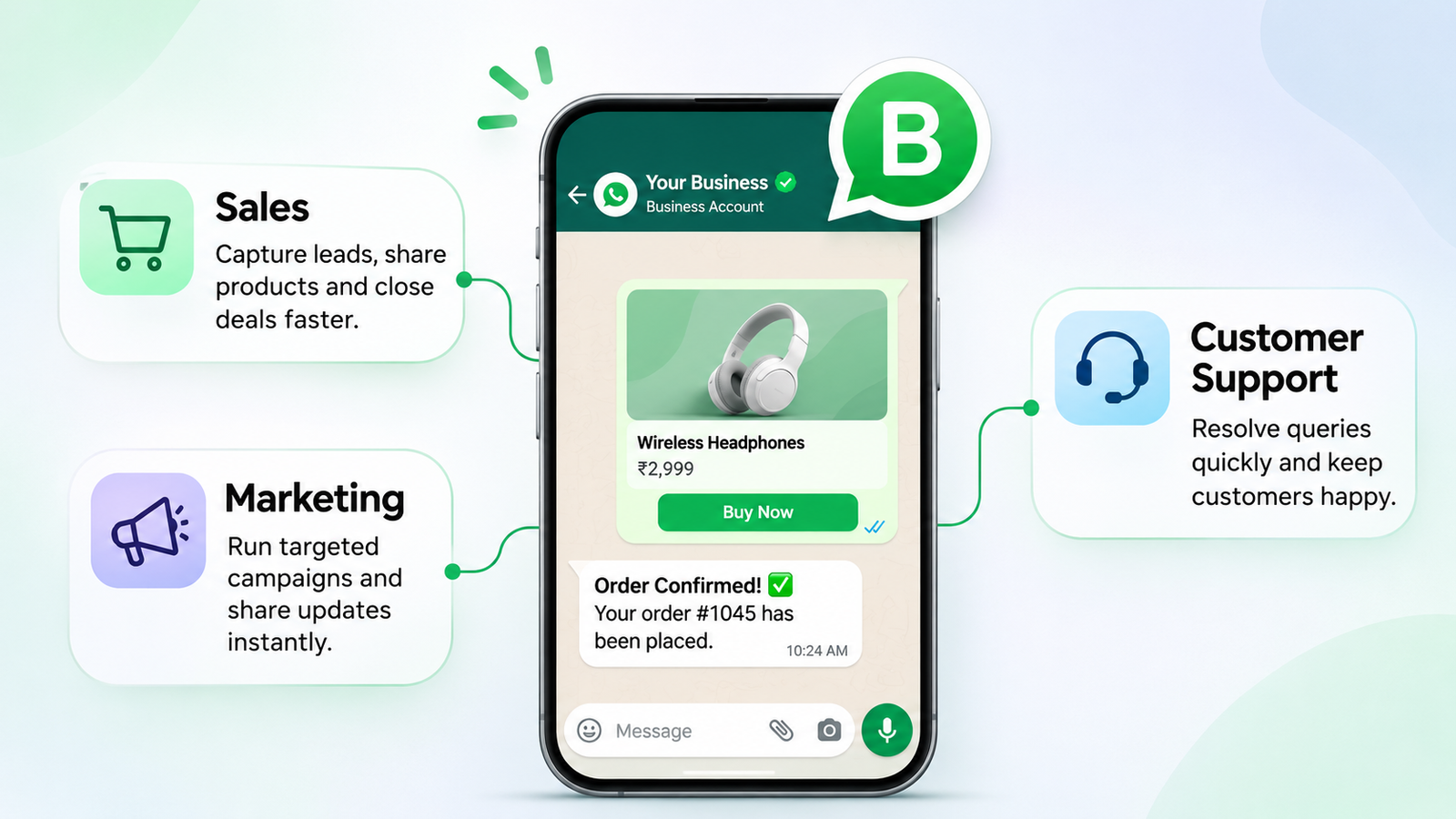
2. How WhatsApp Business API Supports Marketing Campaigns
WhatsApp marketing allows businesses to communicate with customers who have agreed to receive business messages. Companies can use the channel to share product announcements, seasonal promotions, event details and relevant offers.
The WhatsApp Business Platform supports marketing messages through approved templates.
Promotional announcements
Retail brands can inform customers about new collections, limited-period offers and product launches. A campaign can include a short message, relevant media and a link to the corresponding product or collection page.
Customer segmentation
Businesses can organise their contact lists using relevant information such as purchase history, product interests, location or customer preferences.
For example, a clothing retailer can create separate customer segments for ethnic wear, casual clothing and festive collections. Each group can receive messages related to its interests.
Campaign performance measurement
Marketing teams can review available campaign reports to understand message delivery and engagement. Depending on the platform, reporting may include sent, delivered, read and other messaging events.
These figures help businesses assess campaign activity. Actual sales attribution may require additional tracking through website analytics, CRM records or conversion integrations.
Marketing frequency and message relevance
Customers may block a business or opt out when they receive irrelevant or excessive messages. Businesses should use customer preferences to determine campaign topics and frequency.
A relevant message sent to an appropriate audience is easier for customers to understand and act on.
3. How WhatsApp Business API Improves Customer Support
Customer support teams handle questions about products, payments, deliveries, appointments, account information and service requests.
A WhatsApp communication platform can organise these conversations and connect them with support workflows.
Centralised customer inbox
A shared inbox allows multiple support representatives to access business conversations through a common interface. Depending on the software, teams can assign chats, add internal notes, use saved replies and review previous interactions.
This arrangement helps reduce duplicate responses and makes it easier to identify pending enquiries.
Automated responses to common questions
A chatbot can handle predefined questions about business hours, product categories, delivery information, appointment availability and other routine topics.
For example, a customer contacting a service centre can select an option for booking, existing service requests or general enquiries. The chatbot can collect the required information and route the request to the appropriate team.
Human support and escalation
Automated messaging should include a clear route to human assistance. Customers may have complaints, unusual requests or problems that require individual attention.
Support teams should be able to review the conversation and take over when automated responses are insufficient.
Support request tracking
Some WhatsApp platforms allow businesses to connect conversations with ticketing or CRM systems. This helps support teams maintain records of customer requests and their status.
4. WhatsApp Chatbots and AI Agents for Business Automation
Chatbots and AI agents can reduce the amount of routine work handled manually by business teams. Their capabilities and response methods differ.
A rule-based chatbot follows configured triggers, questions, conditions and actions. It works well for structured processes such as lead collection, appointment requests and menu-based support.
An AI agent can interpret a wider range of customer questions using information available in its connected knowledge sources. Depending on the implementation, it can answer product questions, explain services and assist with initial customer enquiries.
For example, an online skincare retailer can configure an AI agent with product descriptions, ingredient information and usage instructions. Customers can ask questions about a product and receive responses based on the supplied information.
Businesses should review the information used by AI systems, test responses and provide human assistance for enquiries that require additional judgement.
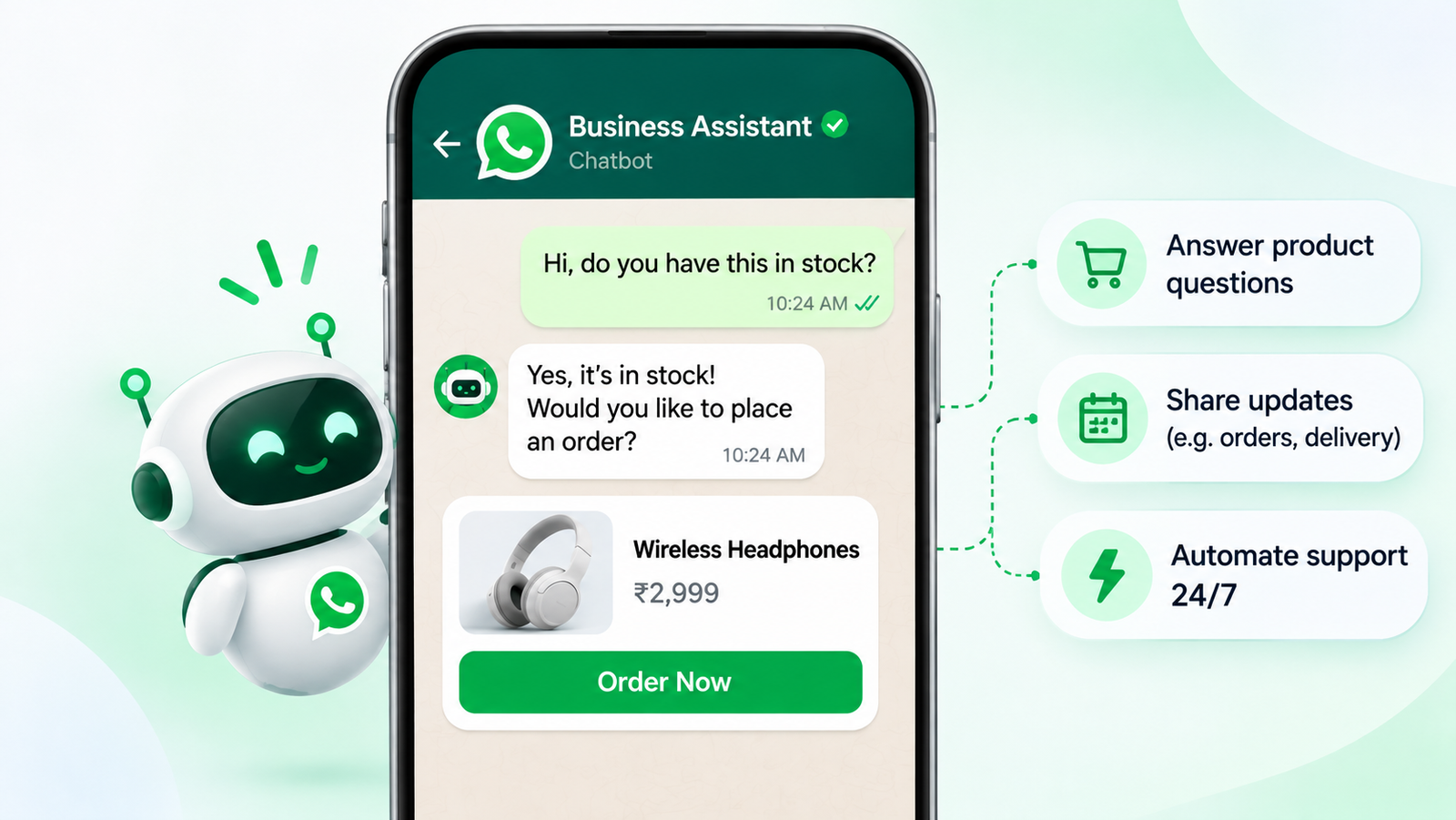
5. Order Updates and Transactional Notifications
E-commerce businesses and service providers often need to send customers updates after a purchase or booking.
WhatsApp Business API supports business notifications through approved templates. Depending on the connected system and message category, these notifications can include:
- Order confirmation.
- Payment status.
- Shipping and dispatch updates.
- Appointment reminders.
- Booking confirmations.
- Service request updates.
For example, an online store can connect its order management system with WhatsApp. After a customer completes a purchase, the system can send an order confirmation containing the relevant order details.
A further message can provide dispatch or delivery information when the order status changes.
These workflows depend on the accuracy of the connected system and the availability of the required integration.
6. Abandoned Cart Follow-Ups Through WhatsApp
Customers sometimes add products to their shopping carts and leave the website before completing payment. They may have questions about the product, delivery charges, payment options or checkout process.
An e-commerce system connected with WhatsApp can identify eligible abandoned-cart events and trigger a follow-up message according to the customer's permissions and applicable messaging rules.
For example, a fashion retailer may send a reminder with the product name and a checkout link. A support representative can answer questions about size, availability or delivery before the customer continues the purchase.
Businesses should measure completed purchases and revenue attributed to these reminders rather than treating message delivery or read counts as proof of sales.
7. WhatsApp Business API Integrations with CRM and E-commerce Tools
Integrations allow WhatsApp communication to exchange information with other business applications.
A CRM connection can help sales teams maintain lead records and review customer interactions. An e-commerce integration can provide order information, product details and customer records. Other integrations may connect WhatsApp with appointment systems, spreadsheets, payment services and automation platforms.
Common integration requirements include:
CRM systems: Lead collection, customer records, sales follow-ups and contact history.
E-commerce platforms: Product information, order confirmations, abandoned-cart events and delivery notifications.
Payment services: Payment links, transaction updates and checkout workflows, depending on the payment provider and integration.
Automation tools: Data transfer, task creation and connections between business applications.
Before choosing an integration, businesses should check which events and data fields the software supports. They should also review API access, webhook availability, security controls and data synchronisation.
8. WhatsApp Business API Rules and Limitations
Businesses must understand WhatsApp's messaging policies before starting automated communication or promotional campaigns.
Customer opt-in
Businesses are responsible for obtaining the required permission before contacting customers. They must also respect customer requests to stop receiving WhatsApp messages.
The 24-hour customer service window
When a customer sends a message, a 24-hour customer service window opens and resets with each new customer message. Businesses can send free-form replies during this window.
Outside the customer service window, business-initiated messages must use approved WhatsApp message templates.
Message template approval
Businesses must submit templates for approval before using them to initiate conversations. Templates must comply with WhatsApp policies and should match their intended purpose, such as marketing, utility or authentication.
Software Subscription and Pricing
WhatsApp Business API software providers offer different subscription plans based on the features and services included. Pricing may depend on the number of team members, available automation tools, campaign management features, integrations and monthly usage limits.
Businesses should review the subscription plans, included features, account limits and support options before choosing a platform. This helps them select a plan that matches their team size, communication requirements and operating budget.
Automation and human assistance
Automated responses should include clear escalation options. Businesses should make it possible for customers to reach a human representative through an appropriate support channel.
These requirements are covered in the official WhatsApp Business Messaging Policy.
9. How to Choose a WhatsApp Business API Provider
Several software providers offer access to WhatsApp Business Platform features. Their capabilities, pricing and integration options can differ.
Businesses should compare providers using the following criteria:
WhatsApp account setup: Check onboarding assistance, business verification requirements and number registration support.
Shared inbox: Review agent access, conversation assignment, internal notes, customer tags and reporting.
Automation: Check chatbot configuration, workflow conditions, integrations and human handover options.
Campaign management: Review template handling, audience segmentation, campaign reports and opt-out management.
CRM and e-commerce integrations: Confirm that the provider supports the applications used by the business and the required data flows.
Developer access: Technical teams may need APIs, webhooks, documentation and testing environments.
Pricing: Compare subscription charges, setup fees, integration costs, usage limits and Meta messaging charges.
Data and support: Review data access, export options, security controls, customer support and service availability.
The right provider depends on the business's communication volume, technical requirements, team size and total operating cost.
10. Is WhatsApp Business API Suitable for Every Business?
The WhatsApp Business API is particularly relevant to businesses that manage frequent customer conversations, multiple support agents or recurring messaging workflows.
An online retailer may use it for product enquiries, order updates and promotional communication. An educational institution may use it for admission enquiries and application updates. A service company may use it to collect leads and coordinate appointments.
Smaller businesses with a limited number of conversations may find the WhatsApp Business app sufficient for their current requirements.
Before moving to the API, businesses should estimate their monthly messaging volume, identify repetitive tasks and determine which existing applications need integration.
Conclusion
WhatsApp Business API provides businesses with a way to connect customer messaging with sales, marketing and support operations. It supports lead collection, team inboxes, approved campaigns, chatbot workflows, customer notifications and software integrations.
Its effectiveness depends on message relevance, customer permission, accurate business information and the quality of the team's processes. Businesses should also account for messaging charges, template approvals, integration requirements and customer support responsibilities.
Companies evaluating WhatsApp automation software can compare available platforms based on their workflows, integrations, reporting, security and total costs. PingEngine is one option businesses can include in that evaluation alongside other WhatsApp Business Platform providers.
Frequently Asked Questions
1. What is WhatsApp Business API used for?
WhatsApp Business API is used for business messaging, customer support, lead management, approved marketing campaigns, automated notifications and integrations with CRM and e-commerce systems.
2. What is the difference between WhatsApp Business App and WhatsApp Business API?
The WhatsApp Business App provides an application interface for businesses to manage conversations. WhatsApp Business API allows companies to connect messaging with external software, automation systems and team inbox applications.
3. Can WhatsApp Business API be used for marketing?
Yes. Businesses can send approved marketing template messages to customers who have given the required permission. They must follow WhatsApp's messaging policies and honour opt-out requests.
4. Can WhatsApp Business API automate customer support?
Yes. Businesses can use chatbots and AI agents to handle routine questions, collect customer information and route complex enquiries to human support representatives.
5. Can WhatsApp Business API connect with a CRM?
Yes. API-based integrations can transfer relevant contact and enquiry information between WhatsApp communication systems and CRM applications. Available functionality depends on the software provider and integration.
6. What is the 24-hour WhatsApp customer service window?
It is a messaging period that opens when a customer sends a message and resets with each new customer message. Businesses can send free-form replies during this period. Outside it, business-initiated messages require approved templates.
7. How much does WhatsApp Business API cost?
The total cost can include Meta messaging charges and software provider fees. Pricing depends on the applicable message categories, recipient markets, subscription plans and integrations.
8. Does WhatsApp Business API require a separate software platform?
Businesses can build their own integration using the API or use a compatible software provider. A provider generally offers tools such as an inbox, campaign management, automation and reporting.